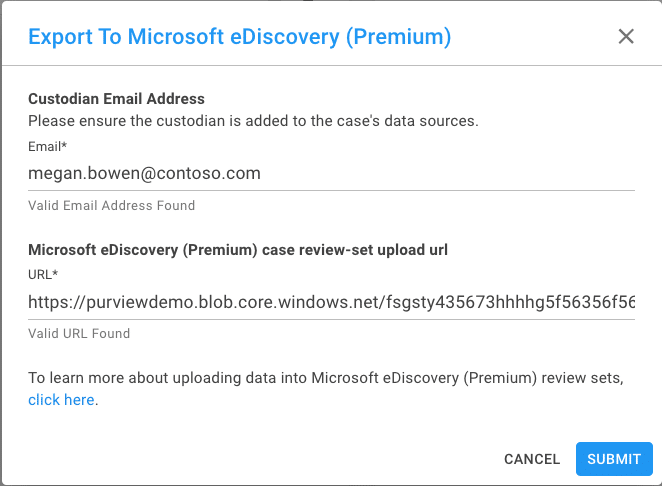
Cloudlocker’s simple integration with Microsoft Purview Suite allows you to continue the eDiscovery workflow without opening a new tab or window. Directly export Cloudlocker data into a Microsoft Purview case to simplify your review environment.
Simply create a case within Premium eDiscovery case within the Purview Compliance Center, and create a Review Set. Grab the Non-Office 365 data location and paste it into Cloudlocker. Your data is then securely sent to your case, and can be processed alongside your Office 365 data.
Provide your Upload URL and your data is sent securely.