Data export is a key part of any data archiving tool. Cloudlocker easily integrates with existing workflows for data analysis and review. Export selected content from collections, datasets, or complete matters – with or without journal envelopes.
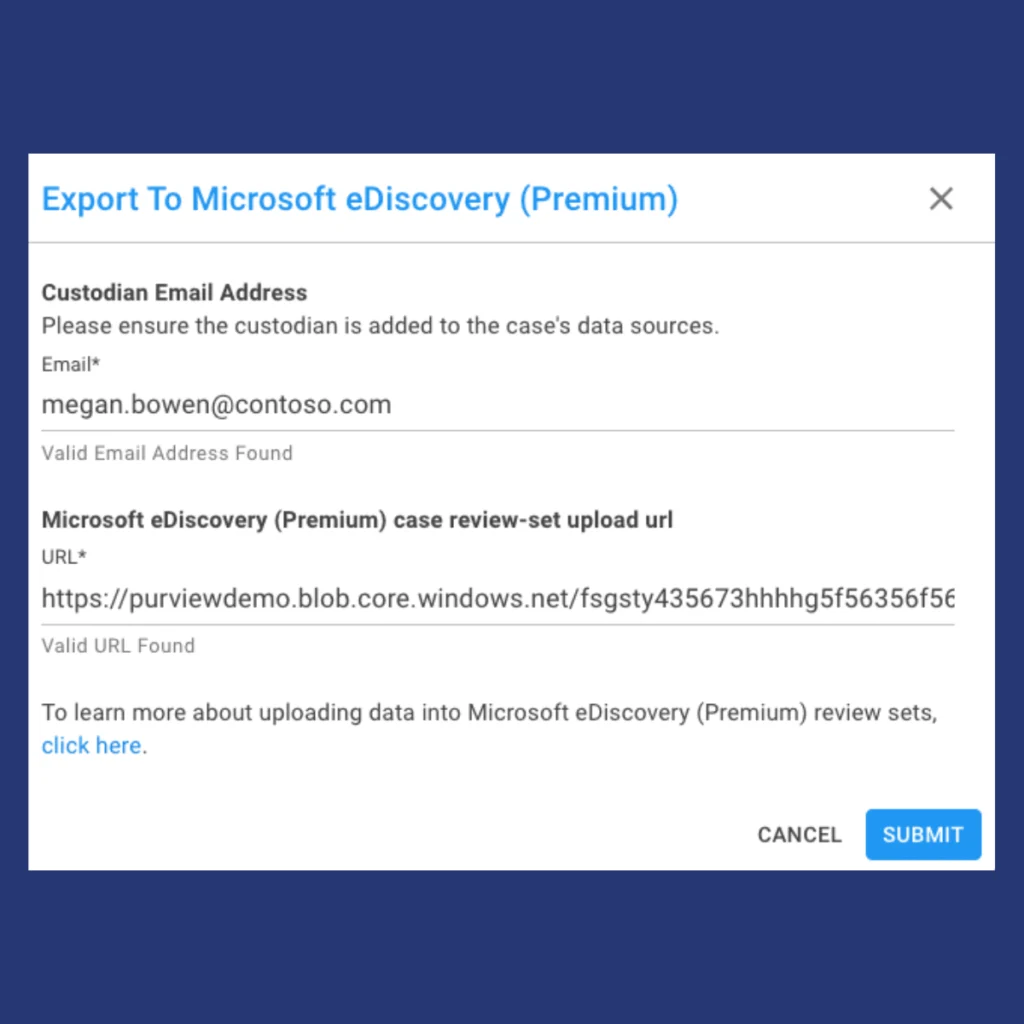
Cloudlocker’s simple integration with Microsoft Purview Suite allows you to continue the eDiscovery workflow without opening a new tab or window. Directly export Cloudlocker data into a Microsoft Purview case to simplify your review environment.
Simply create a case within Premium eDiscovery case within the Purview Compliance Center, and create a Review Set. Grab the Non-Office 365 data location and paste it into Cloudlocker. Your data is then securely sent to your case, and can be processed alongside your Office 365 data.
ONLY EXPORT RELEVANT DATA
Relativity
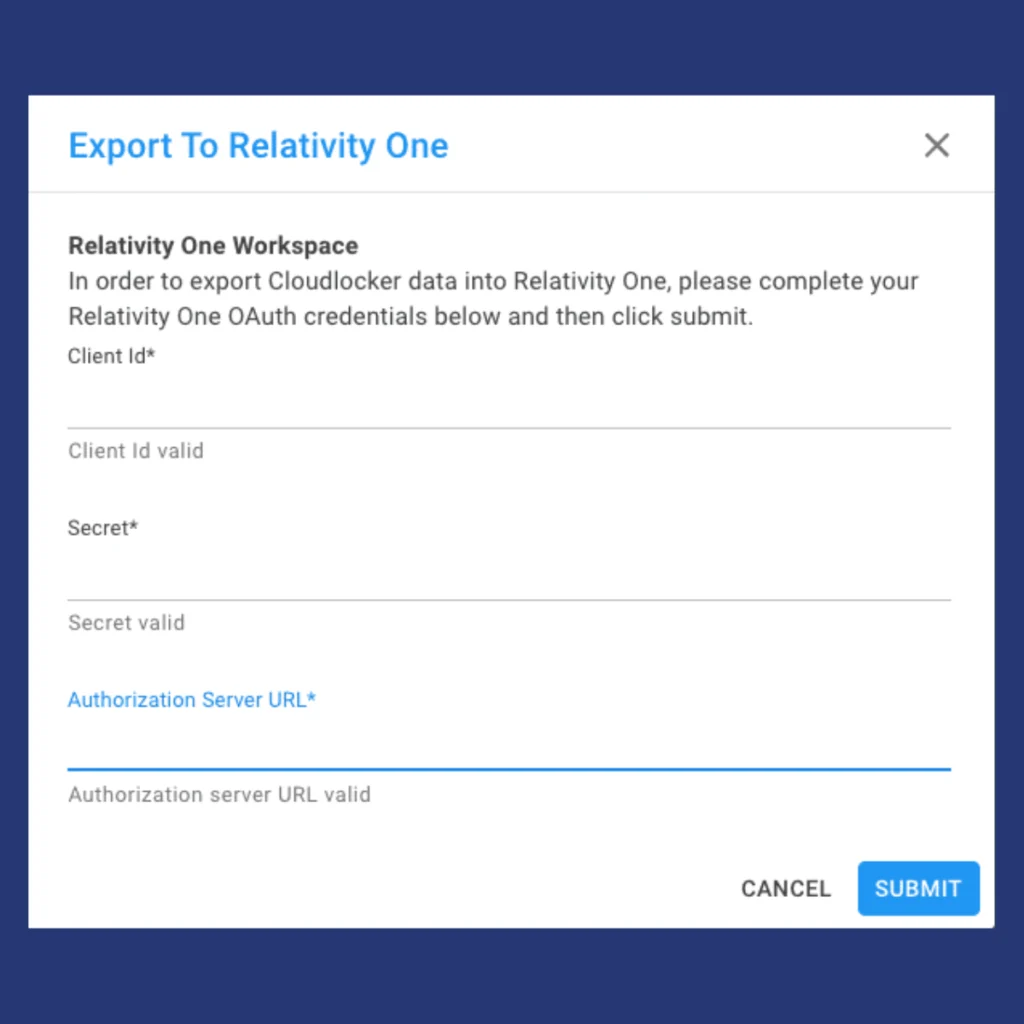
With Cloudlocker, you can perform left-side EDRM workflow and early case assessment without leaving the platform. Then, export only the necessary info. Sending only the relevant data to a RelativityOne Workspace reduces overall storage and licensing costs. We’ve had users save 87% by combining Cloudlocker with Relativity or other dedicated eDiscovery platforms.
Perform initial case assessment
Create an export
Input RelativityOne details
Selected data is securely exported to the RelativityOne workspace.